Settings & AI
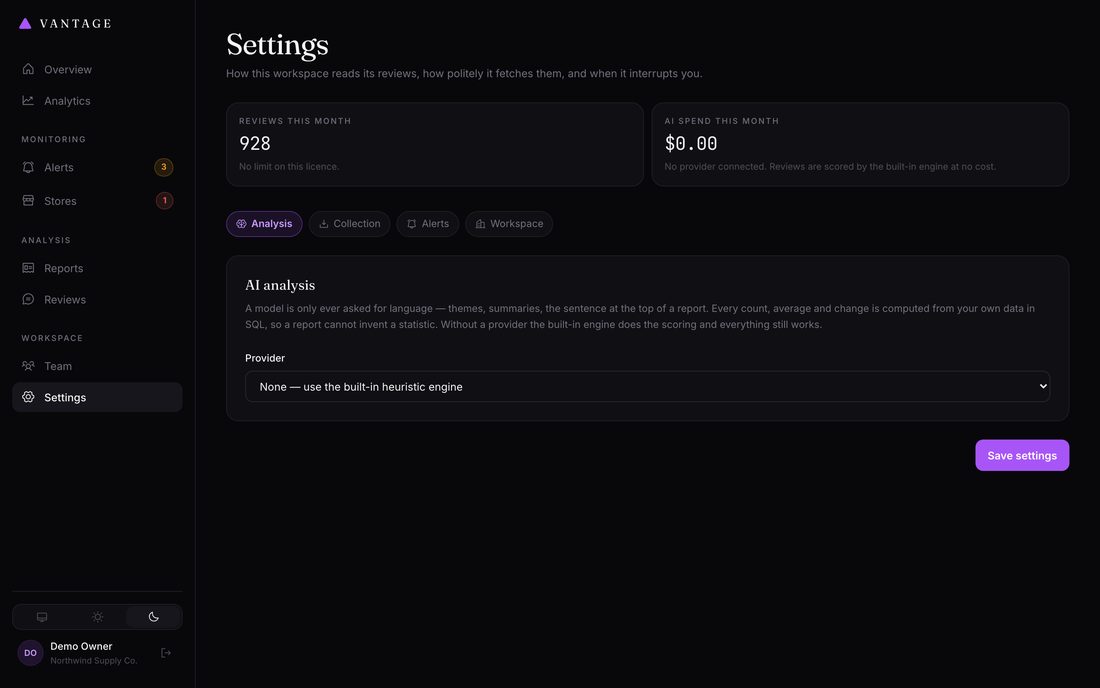
Everything here is per-workspace. The most consequential section is AI — and the most important thing to know is that you do not need it.
AI analysis
What adding a key changes
| Without a key | With a key | |
|---|---|---|
| Sentiment scoring | Yes | Yes, more nuanced |
| Theme tagging | Yes | Yes, more accurate |
| Statistics, charts, histograms | Yes | Identical — always computed from your data |
| Alerts | Yes | Identical |
| Report summary | Factual, templated | Written analysis in prose |
| SWOT | Assembled from the data | Reasoned about your specific position |
| Recommendations | Matched to complaint themes | Tailored to what reviewers actually said |
Connecting a provider
Vantage supports Anthropic (Claude) and any OpenAI-compatible endpoint — OpenAI itself, Azure OpenAI, OpenRouter, LiteLLM, vLLM or Ollama.
Your key is stored encrypted, used only from your own server, and billed to your own provider account. Vantage never proxies your requests and never sees your key.
Use Test AI connection after saving to confirm it works.
Two models, two jobs
Vantage uses two models against the same key, because the two tasks are not alike:
| Setting | Job | How often it runs | Choose |
|---|---|---|---|
| Scoring model | Scores individual reviews | Once per review — thousands of times | The cheapest model. This dominates your bill and the task is simple. |
| Report model | Writes the weekly report | Once per store per week | The best model you're willing to pay for. It runs rarely and this is the part you read. |
The defaults already reflect this. Leave them alone unless you have a reason.
What it costs
For a store getting 500 reviews a week, with the default model split:
| Provider | Per week | Per year |
|---|---|---|
| Claude (Haiku scoring + Opus reports) | ~$0.30 | ~$16 |
| OpenAI (mini scoring + GPT-4.1 reports) | ~$0.12 | ~$6 |
Costs stay roughly flat as review volume grows, because reports are built from a representative sample rather than every review. Actual figures depend on how long your reviews are.
The token cap
Monthly token cap is a hard stop, checked before every request.
When it is reached, Vantage falls back to the offline engine rather than spending
more. Set it to 0 for no limit.
Current usage and approximate spend are shown at the top of the Settings page.
Collection etiquette
How politely Vantage reads review pages. These settings can only be made
more conservative than the shipped defaults — you cannot remove the delay
or disable robots.txt compliance.
| Setting | Default | Notes |
|---|---|---|
| Respect robots.txt | On | Locked on in most installations |
| Delay between requests | 6 seconds | Minimum 4. Random jitter is added on top. Raise this if a site starts blocking you. |
| Max pages per product | 10 | Each page is roughly ten reviews. Lower it to collect less on very large listings. |
| Retries on failure | 3 | With increasing waits between attempts |
| User agent | From your .env | Identify yourself honestly, with a contact URL |
| Proxy URL | Empty | Optional. Only needed if your server's IP is being blocked. |
Alerts
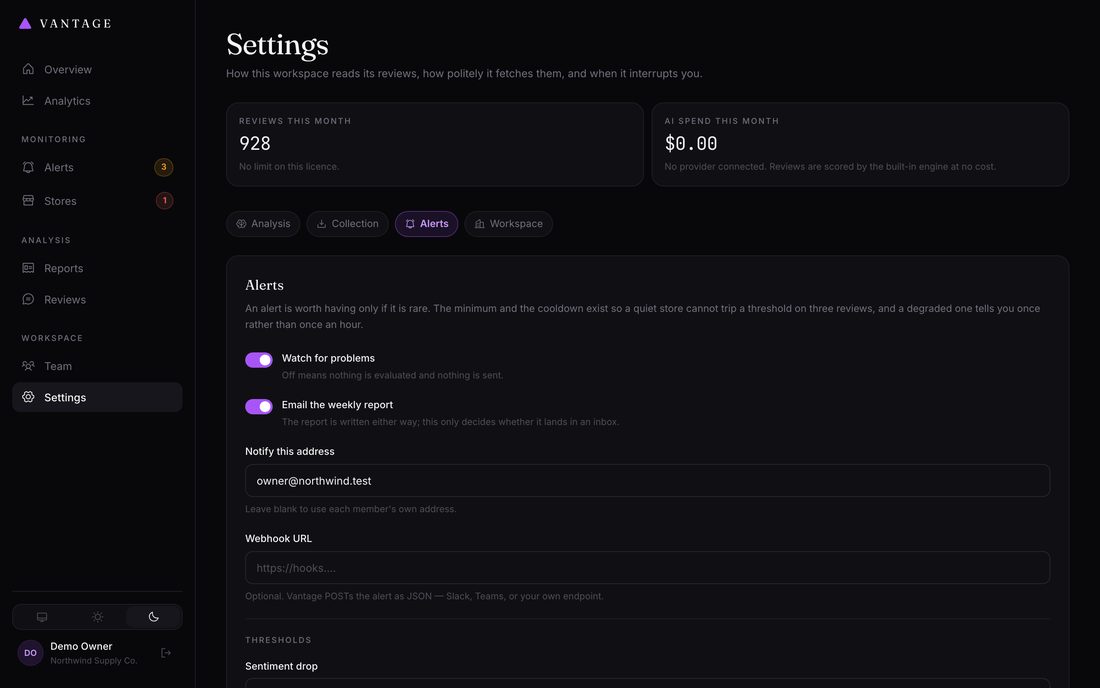
Covered in detail on the Alerts page.
Regional
Timezone determines where your reporting weeks start and end. Set it to your business's timezone so "last week" means what you expect.