Your license
Vantage verifies your purchase code once when you enter it, and once a week after that from a background job. It never checks during a page load, so the author's uptime is never in the path of yours.
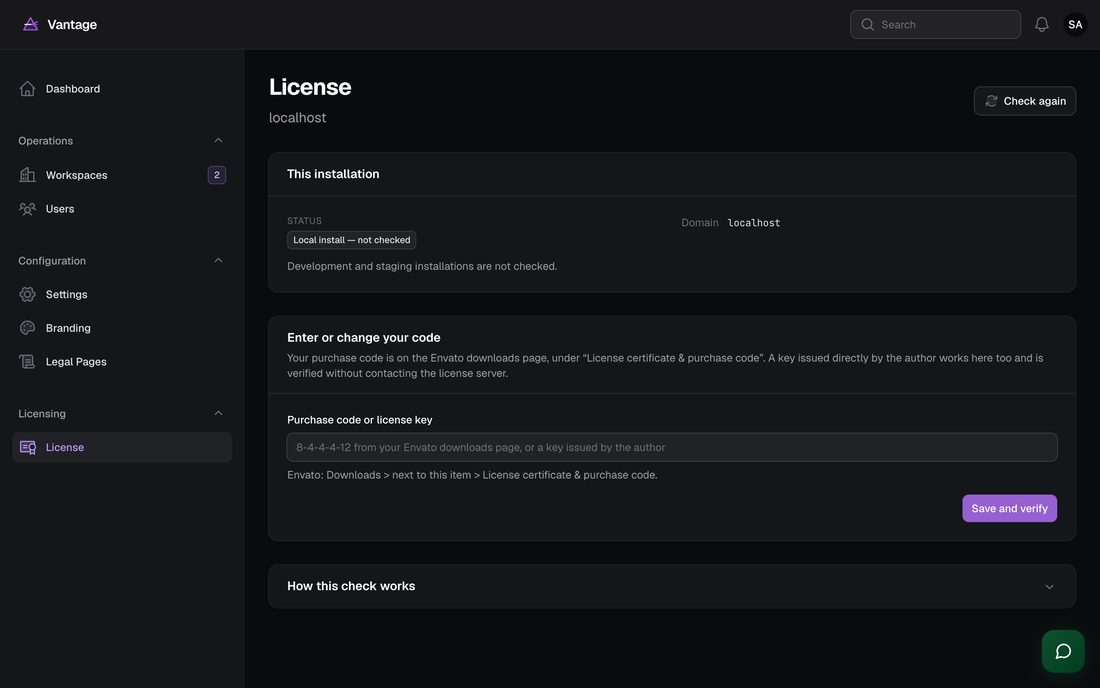
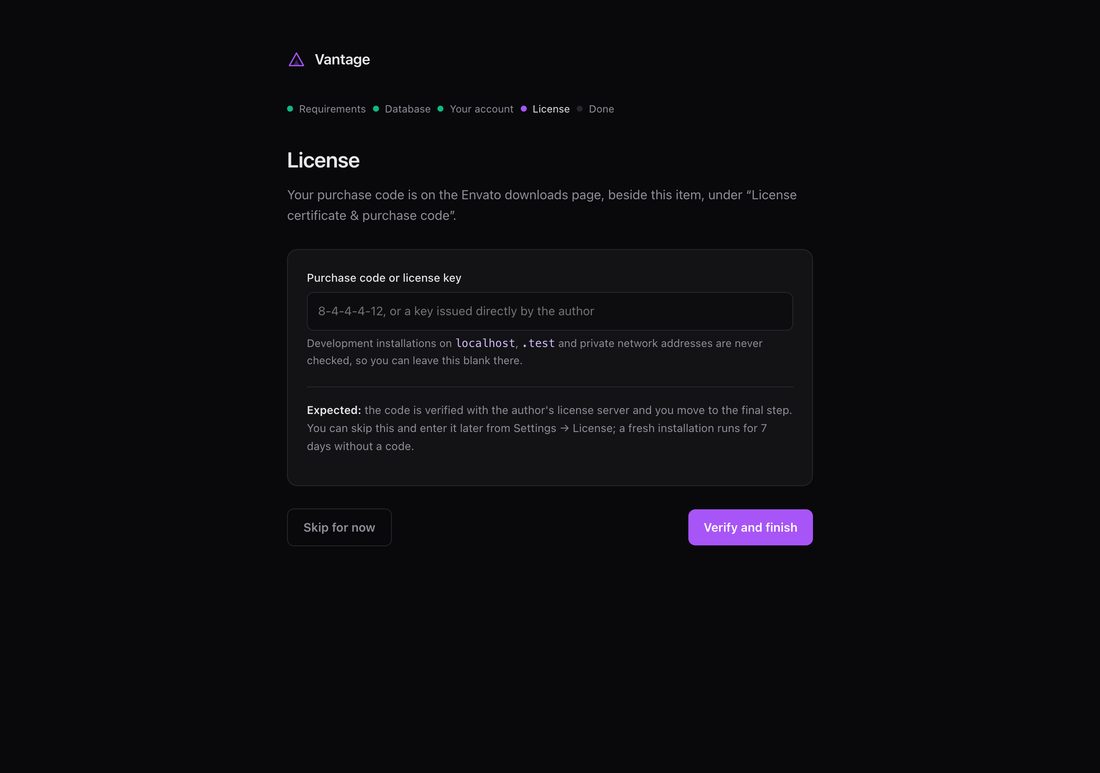
Entering your code
-
Find your purchase code
On Envato: Downloads → beside this item →
License certificate & purchase code. It looks like
8 characters-4-4-4-12. If you bought directly from the author, your key starts withVANTAGE-and works the same way. -
Enter it
During installation, or afterwards at Settings →
License.
Expected: the status badge turns green and reads Active, showing your name and license type.
What each status means
| Status | Meaning | Does Vantage keep running? |
|---|---|---|
| Active | Verified | Yes |
| Local install | Running on localhost, .test, .local or a private network address | Yes — these are never checked at all |
| No code entered | A fresh installation inside its first 7 days | Yes, for 7 days |
| Could not be checked | The license server was unreachable | Yes, for 30 days after the last successful check — or through your first 7 days if you have never verified |
| Registered to another domain | This code is already in use elsewhere | No — contact the author to move it |
| Not recognized | Envato does not know this code, or it was revoked | No |
Development and staging
Installations on localhost, 127.0.0.1,
*.test, *.local and private network ranges
(10.x, 192.168.x) are never checked and never consume
a seat. You can develop against Vantage with no network connection at all.
Support expiry
Envato support has an end date; the right to run the software does not. Vantage shows your support expiry on the License page and never stops working because it has passed. What ends is updates and author support, not the product.
Moving to a new domain
Each license covers one domain. If you have moved the installation, or the registered domain is a staging site you no longer use, contact the author with your purchase code and the new domain and it will be released.
From the command line
# Show the current status without contacting the server
php artisan vantage:license --check

# Register a code, or re-check the one already stored
php artisan vantage:license YOUR-PURCHASE-CODE
Turning license checking off
Leave LICENSE_API_URL blank in .env and no check ever
runs. This exists for internal builds and forks; if you bought a license you do
not need it.
What is sent
Only three things: the product name, your purchase code, and the domain from
your configured APP_URL. No review data, no customer data, no
usage statistics. The reply is signed, and Vantage verifies that signature
against a public key shipped with the product — a reply that fails the
check is treated as “could not be checked”, never as a failed
license.